Ad Blockers and Shopify Conversion Tracking
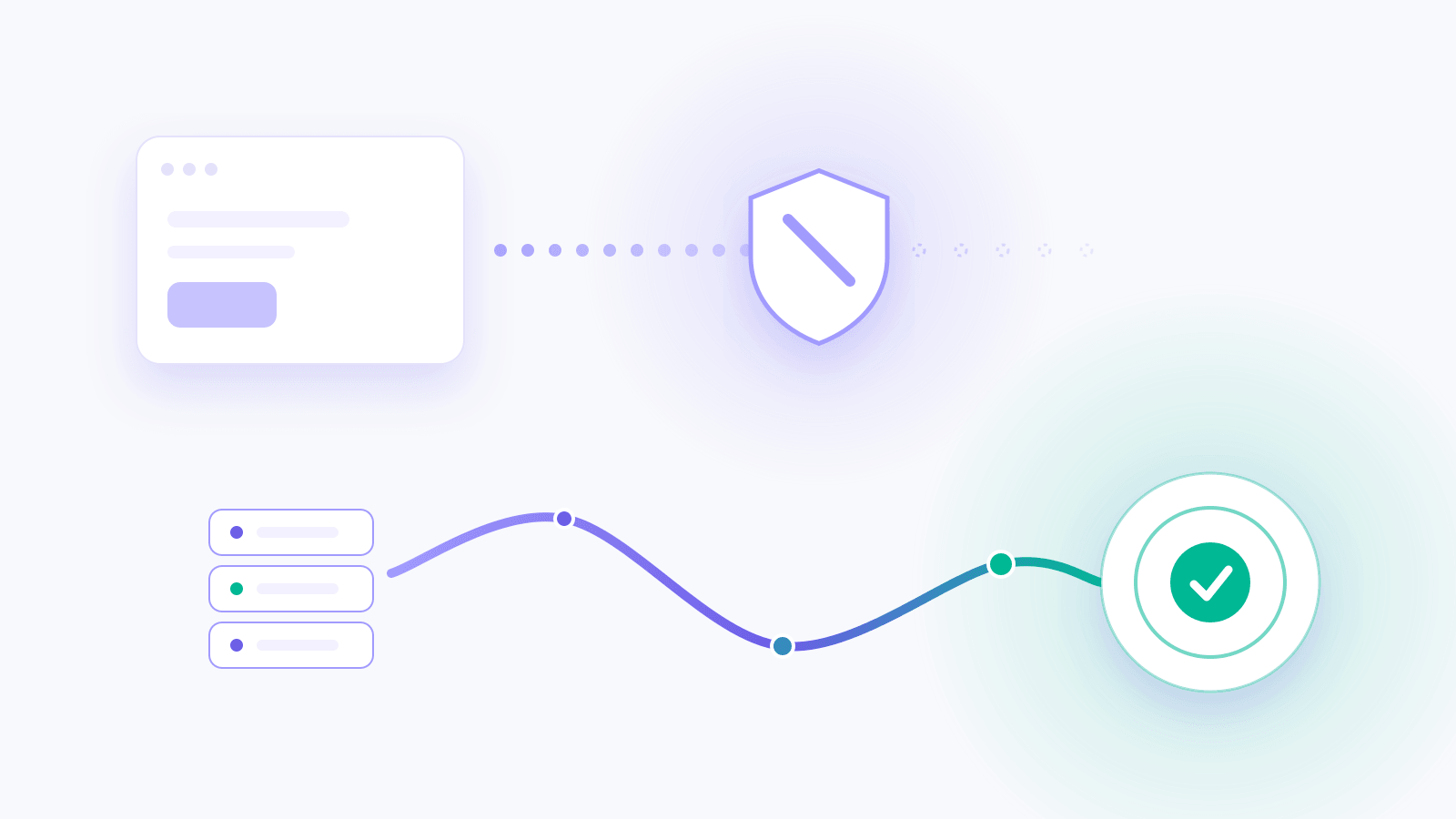
Ad blockers can stop a browser pixel before it reports a sale, so Meta and Google Ads never hear about purchases your Shopify store recorded. The order is real and the revenue is in the bank. The ad platform counts one fewer conversion and learns from one fewer buyer.
das Pixel, the first-party pixel in By the Numbers, sends those purchases to Meta and Google Ads from the server. It exists to recover the 20–40% of conversions ad blockers eat. This guide shows where purchases go missing, why the gap costs more than a reporting error, and how server-side sending closes it.
Where Shopify conversions go missing
A standard ad pixel is a script that runs in the shopper's browser. When the shopper completes checkout, the script reports the purchase to the ad platform. That works until something in the browser stops the script.
Ad blockers and tracker-blocking browsers are built to do exactly that. The shopper still buys, and Shopify still records the order. The report to Meta or Google Ads never arrives.
Where purchases go missing
Two routes to your ad platforms
A declined cookie banner is a different case. That shopper said no to marketing tracking, and das Pixel respects the choice. The purchases worth recovering are the ones the shopper agreed to share but a blocker stopped on the way.
Why a missing purchase costs more than a reporting gap
Meta and Google Ads bid toward shoppers who look like your buyers. They learn who your buyers are from the purchases they hear about. A purchase they never hear of is a buyer they cannot learn from.
So the cost shows up in three places:
- Your reports. Campaigns look weaker than they are, because the platform counts fewer conversions than Shopify recorded.
- Your budget calls. A campaign that sells may get cut, since its reported return on ad spend comes up short.
- The platform's targeting. Fewer purchases means less to learn from when it looks for your next customer.
How das Pixel sends purchases from the server
das Pixel is installed straight into your Shopify storefront. It records visits and checkout events under each shopper's own consent choices. When an online store purchase follows a Meta or Google Ads click, das Pixel sends that purchase to the platform from the server.
For Google Ads, you pick an ad account and das Pixel adds a "das Pixel Purchase" conversion action to it. For Meta, you pick the pixel you shared with By the Numbers. Each platform has its own switch, so you decide where purchases go.
Counted once, not twice
Most stores keep their browser pixel running. That raises a fair question: will the same sale be counted twice?
No double counting
Two reports, one purchase
Purchase
One purchase
Counted oncePurchase
It won't. Each purchase das Pixel sends carries an ID the platform uses to drop duplicates. When the browser pixel also reports the sale, the platform keeps one.
Privacy checks on each send
Before a purchase leaves
Three checks on each send
Consent first
A purchase goes out only when the shopper accepted marketing tracking.
Marketing trackingHashed before it leaves
Customer emails and phone numbers are hashed before they are sent.
jane@example.comRetried if it fails
A purchase that fails to send waits and goes out again.
Sent again
das Pixel sends a purchase only when the shopper accepted marketing tracking. Customer emails and phone numbers are hashed before they leave. A purchase that fails to send waits and goes out again, so a failed send gets another try.
Teach the platforms what profit looks like
Recovering purchases gives the platforms more to learn from. Sending profit values changes what they learn.
By default, a purchase reports what the customer paid. A big basket of discounted, low-margin products looks like your best customer. Switch on profit values and each purchase carries what you made on the order instead.
Send profit instead of revenue
What the platform learns to look for
Order A
Bigger basket, thin margin
Order B
Smaller basket, healthy margin
The platforms then learn to look for shoppers who leave you a healthy margin, not only a large cart. Profit values need product costs. An order with a missing cost is sent at its revenue.
See what your ads did beyond the platform's report
Sending purchases fixes what the platforms hear. das Pixel also shows you what the platforms cannot.
Many ad-driven orders land in Shopify filed as Direct, because Shopify could not tell where the shopper came from. Direct Sales Traced to a Paid Ad Click finds the online store sales filed as Direct where das Pixel saw the shopper click a paid ad in the 30 days before.
Direct Sales Traced to a Paid Ad Click
The ad click behind a Direct sale
Each traced figure opens into its orders, linked to Shopify, so you can check them yourself.
Three more reports come with das Pixel:
- Spend, Measured and Claimed by Platform puts each platform's spend, the revenue das Pixel measured back, and what the platform claims side by side. It names the gap and the reasons two honest measurements differ.
- Who Your Paid Clicks Brought In splits traced revenue by whether the shopper had bought before. It tells you if a platform found new buyers or reached customers who were coming back anyway.
- Days From Ad Click to Purchase shows how long shoppers took to buy after the click, with a marker on day seven, after which some ad platforms stop counting the sale.
das Pixel credits each order to the channel that first brought the shopper in and to the one that closed the sale. For the wider set of models those two sit among, see our comparison of marketing attribution models for Shopify.
Know the day tracking breaks
A theme change or an app conflict can silence a pixel. Without a warning, the gap turns up weeks later as a dip nobody can explain.
das Pixel emails your team when a pixel that has been firing goes quiet. It can also email when an ad platform starts rejecting the purchases das Pixel sends. The das Pixel page then shows the step that broke and the fix for it.
Start das Pixel with a 42-day free trial
das Pixel is an add-on available on every plan, priced by plan and billed with it each month. The 42-day free trial starts when the pixel connects, and nothing is charged until you add das Pixel to your plan. A store on Free or an earlier plan picks one of the current paid plans first, then starts the trial.
das Pixel also includes the MCP Server, which connects Claude or another MCP client to your store's live data, read-only by default. See prices for each plan and how setup works on the das Pixel page.
Keep reading
If you want the full picture on ROAS and attribution, start with how to measure ROAS correctly.
Related reading: Shopify sales showing as Direct? Try das Pixel, MER vs CAC: Which should guide your budget? and Attribution Window: One Day vs. Seven Days.
By the Numbers builds this into the dashboard. See advertising ROI.
See what is working in your Shopify store
By the Numbers turns your store data into reports, segments, and forecasts.
- AI-powered analytics
- Customer segmentation
- Predictive forecasting
- One-click Shopify install