Questions about By the Numbers, answered.
How setup works, what each plan includes, where your data comes from, and how we protect it. Search for a question or browse by topic.
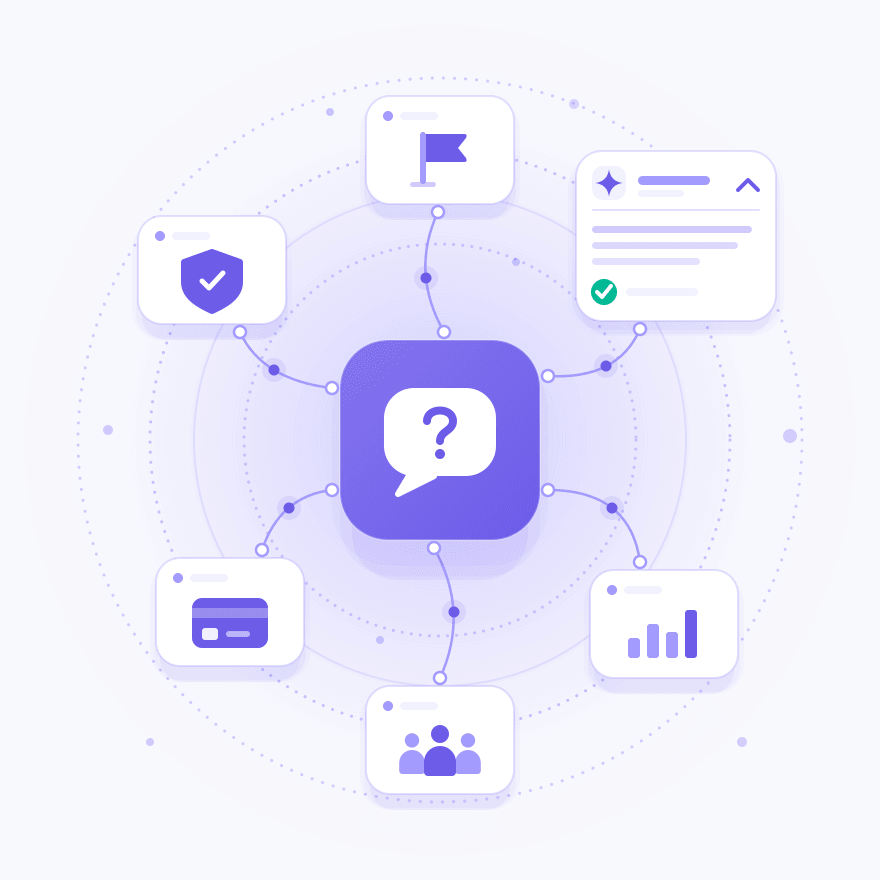
Browse by topic
 Getting startedWhat it is and how setup works6 questions →
 Data and reportsSources, freshness, history, and exports7 questions →
 Copilot and PulseAI answers and briefings on your store5 questions →
 Customers and segmentsSegments, loyalty, retention, and sync4 questions →
 Advertising and das PixelAd platforms, ROAS, and first-party tracking3 questions →
 Plans and billingFree plan, trial, and pricing5 questions →
 Security and privacyEncryption, hosting, and data ownership5 questions →
 Teams and supportSeats, stores, agencies, and help5 questions →
Getting started
What is By the Numbers?
By the Numbers is an analytics app for Shopify stores. It turns your orders, customers, products, and ad spend into reports on profit, retention, and customer lifetime value. Copilot, its AI analyst, answers questions about your store in plain English.
Who is By the Numbers for?
Shopify store owners and operators, and the agencies that run analytics for them. Every paid plan includes the same features and is priced by monthly order volume, so a small store and a high-volume brand work in the same app.
How do I get started?
Install By the Numbers from the Shopify App Store. Installing connects your store and starts importing your order history. A short guided setup then asks about your store, invites teammates, and connects your marketing platforms.
- 1

Install from Shopify
Connects your store and starts the import
- 2
Tell us about your store
Your category and where you advertise
- 3
Connect your platforms
Ad and email platforms, one click each
Do I need a developer to set it up?
No. You install it from the Shopify App Store, and on a paid plan your ad and email platforms connect in one click each.
When will I see my data?
Your order history starts importing as soon as you install, and the setup screen shows its progress. After that, new orders, customers, and refunds reach your reports within minutes of a change in Shopify.
How does By the Numbers compare with Triple Whale, Polar Analytics, or Lifetimely?
We publish side-by-side comparisons with Triple Whale, Polar Analytics, Lifetimely, and Shopify Analytics. Each one covers features, setup, and price, and says where the other product is the stronger choice.
Data and reports
Where does the data come from?
Your Shopify store supplies orders, customers, products, and refunds. On a paid plan you can add ad spend from Google Ads, Meta, TikTok, and Reddit Ads, traffic from Google Analytics 4, and email and SMS results from Klaviyo.






How far back does my data go?
Back to your store's first order. By the Numbers imports your full order history when you connect, and historical data is unlimited.
Why might a number differ from Shopify Analytics?
Start with definitions. You choose, once for the whole shop, whether tax and shipping count in revenue. Most reports also link to a help article that explains what the report shows and how to read it.
Can I add costs that Shopify doesn't track?
Yes. Enter shipping, payment processing fees, handling, and monthly or one-off expenses, and the P&L subtracts them from the date you choose, each marked as an estimate you entered. The Unit Cost Coverage report shows which products are still missing a cost.
Which reports are included?
A store on a paid plan can open 70+ reports across sales, profitability, customers, products, inventory, marketing, and operations. The Free plan covers a core set of sales reports. Browse them all in the report library.
Can I build my own dashboards?
Yes. Pin the reports you check every morning to a drag-and-drop dashboard your team shares, or keep a personal one. Each card can use its own date range, comparison, or customer segment.
Can I export reports to a spreadsheet?
Yes, on a paid plan. Most report tables export to CSV, and charts save as PNG images. You can also schedule a report to arrive daily, weekly, or monthly as a CSV or Excel file, by email or in Google Drive or Dropbox.
Copilot and Pulse
What is Copilot?
Copilot is an AI analyst for your store. Ask a question in plain English, such as why margin dropped last month, and it answers with numbers, charts, and tables from your store's data.
Why did margin drop last month?
Where do Copilot's numbers come from?
From the same data your reports use. That way its answers match what you see on the report pages, and follow-up questions keep the context of the conversation.
How many Copilot messages do I get?
It depends on your plan: 50 a month on Starter, 100 on Growth, 200 on Pro, 500 on Advanced, and 600 on Unlimited. Chat and report insights share the allowance, and the Free plan does not include Copilot.
What is Pulse?
Pulse is a briefing on your store, written by Copilot: what changed, why, and up to three recommended next steps. It covers sales, traffic, email, and ad spend, and arrives weekly on Mondays and whenever something meaningful changes. Read more about Pulse.
Can I connect Claude or another AI assistant to my store data?
It is in private beta. Our MCP server connects Claude, or another Model Context Protocol client, to your store's live data, read-only by default. Our team turns it on store by store.
Customers and segments
How do I build a customer segment?
Start from a standard segment, such as best customers, at-risk, or dormant, or write your own rules over order history, spend, and behavior. You can also describe the group in plain English, and AI turns it into rules you review before saving. Read more about customer segments.
Which platforms can I sync customer segments to?
Seven: Klaviyo, Mailchimp, Attentive, Meta, Google Ads, TikTok, and Reddit Ads. Synced segments refresh regularly, or on demand with Sync Now, so each audience follows the segment's definition.


What is the RFM loyalty matrix?
A grid that sorts customers by when they last bought and how many orders they have placed: 12 cells in 7 groups, from Best to Dormant. You set the cutoffs and names, the grid rescores regularly, and each group can sync to your email and ad platforms. See the RFM matrix.
Can I track retention and customer lifetime value?
Yes. Cohort analysis shows what share of each first-order group comes back in later periods. Lifetime Value projects what each acquisition cohort ends up worth, so you can judge acquisition spend before the revenue lands.
Advertising and das Pixel
Which ad platforms does By the Numbers connect to?
Google Ads, Meta Ads, TikTok Ads, and Reddit Ads. Spend, ROAS, CPC, and campaign results from each land in one table, and the P&L takes ad spend off gross profit to show contribution margin.
Why doesn't my ROAS match what Meta or Google reports?
Each ad platform counts the sales it credits to its own ads, in its own attribution window, so two platforms can claim the same order. By the Numbers starts from the orders in Shopify, so you can set total ad spend against the revenue and contribution margin your store recorded.
What is das Pixel?
das Pixel is our first-party tracking pixel for your Shopify storefront. It captures sessions and checkout events under each shopper's consent choices, and powers first-touch and last-touch attribution. It is in private beta, available on every plan, and our team turns it on store by store. Read more about das Pixel.
Plans and billing
Is there a free plan?
Yes. The Free plan costs $0, has no order limit, and includes core sales reports for two teammates. Pulse, Copilot, profit reports, and integrations need a paid plan.
How much does By the Numbers cost?
Paid plans start at $19 a month and are priced by monthly order volume. Every paid plan includes the same features. Plans differ in order volume, teammate seats, Copilot messages, and support.
| Plan | Price | Orders |
|---|---|---|
| Free | $0 | No order limit |
| Starter | $19 | Up to 100 orders/mo |
| Growth | $39 | Up to 500 orders/mo |
| ProMost popular | $89 | Up to 3,000 orders/mo |
| Advanced | $179 | Up to 10,000 orders/mo |
| Unlimited | $299 | Unlimited orders |
Do I need a credit card for the free trial?
No. The 14-day free trial includes the same features as the paid plans, and no credit card is required to start it.
How am I billed?
Through Shopify. You pick a plan in the app and approve the charge on Shopify's own confirmation page.
Can I change or cancel my plan?
Yes. You can switch plans in the app, and you can uninstall By the Numbers from your Shopify admin at any time.
Security and privacy
How do you protect my store's data?
Data is encrypted in transit with TLS 1.2 or higher and at rest with AES-256. You sign in through Shopify, so we never see your Shopify password. Our security overview has the details.
Where is my data hosted?
In the United States. Production runs on managed cloud infrastructure, kept apart from development environments and from other customers' data.
Is By the Numbers GDPR compliant?
We process your customers' data as a data processor under GDPR, and our Data Processing Addendum is available on request from support@bythenumbersapp.com. If an incident affects your data, we notify you within 72 hours of confirming the impact.
Who owns my data?
You do. You keep ownership of all data sent to By the Numbers from your Shopify store, and we process it on your behalf under our privacy policy.
What happens to my data if I uninstall?
We keep it for a limited period in case you reinstall or need an export, then delete or anonymize it, unless the law requires us to keep it longer. You can ask for earlier deletion at any time by emailing support@bythenumbersapp.com.
Teams and support
Can my team use the same account?
Yes. Invite teammates and choose what each one can do: dashboards, integrations, billing, and data export are separate permissions. Seats range from 2 on the Free plan to unlimited on the Unlimited plan.
Can I manage more than one store?
Yes. One login can hold several stores and switch between them from the top bar. Each store keeps its own data and its own plan.
Do you work with agencies?
Yes. Agencies connect each client store, switch between them from one login, and can join our referral program. See By the Numbers for agencies.
What support do you offer?
Contact Support, in the app's account menu, opens a help chat from any page, and the help center has guides for most reports. Starter and Growth include email support, and Pro and above add priority email and video support with onboarding calls.
Can I talk to someone before I install?
Yes. Send your question through our contact page, and our team replies within 24 hours.
See your store's numbers in one place.
Install from the Shopify App Store, and your full order history imports when you connect.
60-second install · 14-day free trial · No credit card required